Contact sheet maker
JPEG or PNG in, labelled PDF and exact filename list out. Your photos stay in your browser.
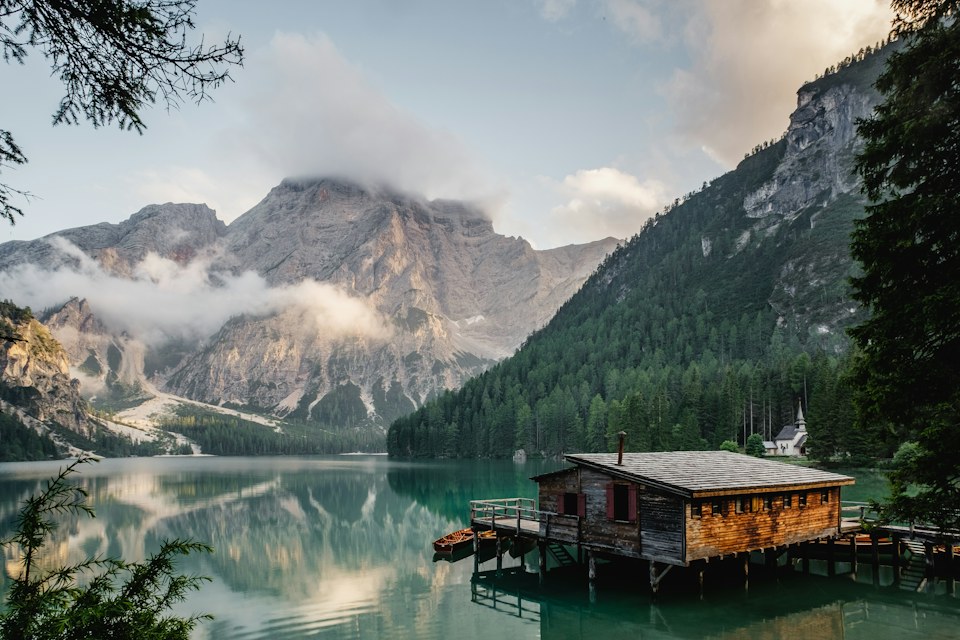
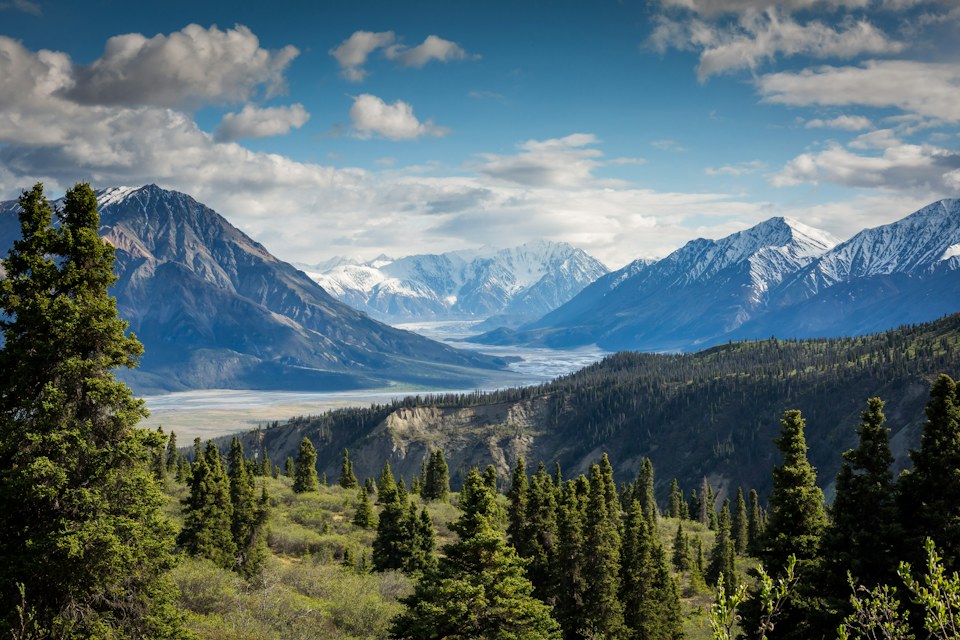

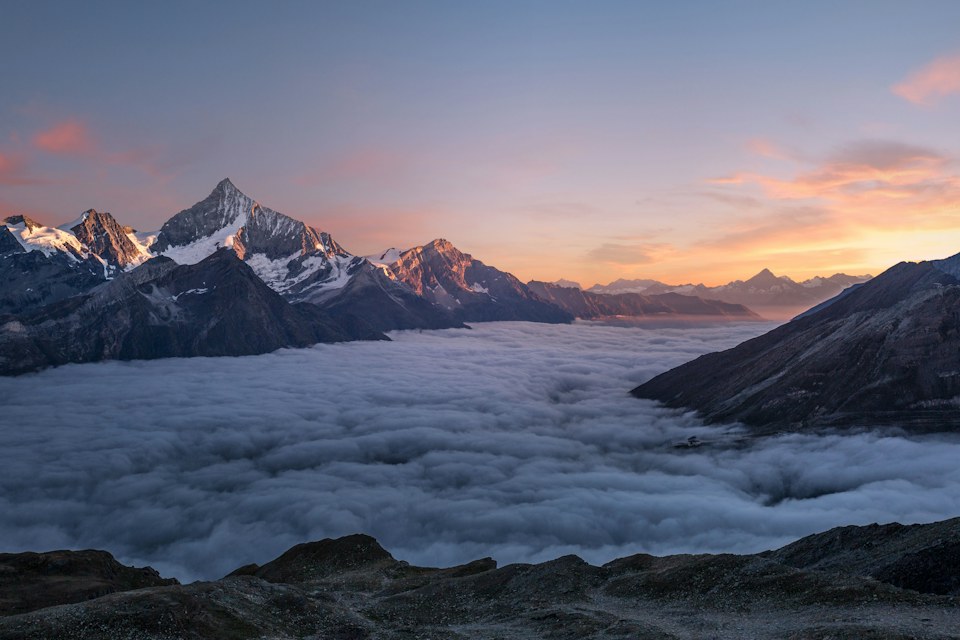


First-page preview. Try the sample layout, or add your own photos to replace it.
Photos in this sheet 06
Export your sheet
Try the sample, or add your own photos.
Your photos and filenames stay in this browser. No account or image upload.
Before you send the sheet
How does it work?
Add JPEG or PNG photographs, choose the paper and grid, then put the frames in order. Download the PDF and the exact filename manifest. Your originals stay unchanged; the browser creates smaller working previews.
Does it upload my photos?
No. The maker reads your selected files in this browser and generates the PDF here. It does not send image bytes or filenames to a server. Hosting logs can still record an ordinary page visit.
Can I send a live selection gallery to a client?
This release creates downloadable sheets and filename lists. It does not host galleries, collect client responses or save an account. Send the PDF through your usual channel.
Can I use RAW or HEIC files?
This version accepts JPEG and PNG. Export proof images from your editor first. Keep the link between a proof filename and its original before sending a sheet.
Will every filename fit?
The PDF shows up to two lines beneath each image. If a name needs more space, it adds a full filename index. The JSON manifest always preserves the original filename string and a separate asset ID.